
AI Halloween Costume Generator: Turn a Selfie Into a Costume
An AI Halloween costume generator lets you test a look before you buy it. Upload a selfie, describe the costume and scene, and let an image-editing model replace the outfit while keeping your face recognizable.
- Keep your face recognizable
- Five original costume recipes
- Works with a single selfie
Hosted image and video routes show the model and credit cost before you generate.
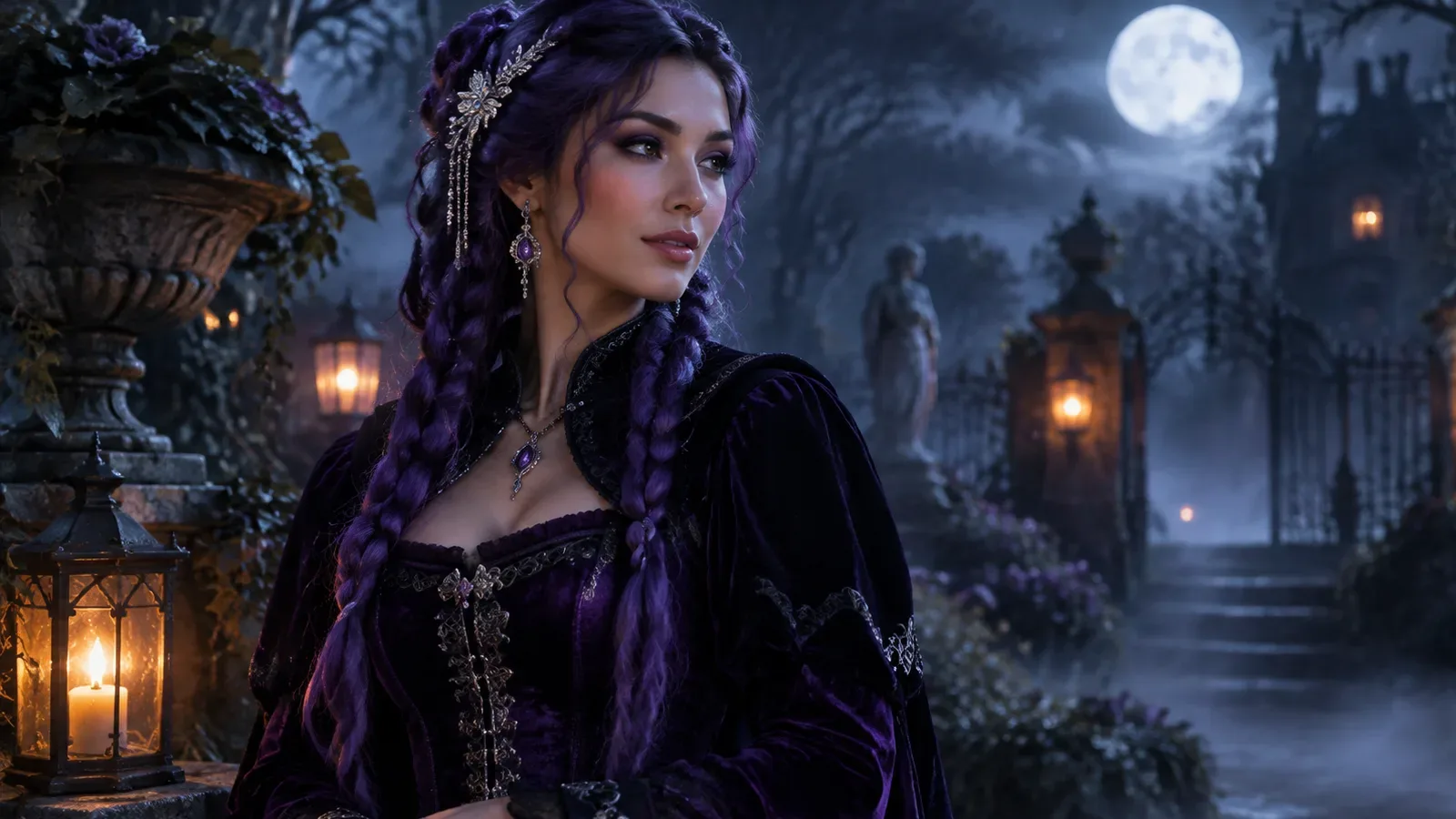
This guide gives you five original costume recipes, the prompt structure that keeps a face consistent, and the exact steps to run them on mogged.games.
What the generator actually does
The generator is an image-editing workflow, not a costume shop. It takes your photo as a reference and synthesizes a new image that follows your prompt. The best results come from a clear, well-lit selfie and a prompt that separates what must stay the same from what should change.
The model can change clothing, hair, accessories, background, and lighting. It cannot guarantee a real product's fit, fabric, or exact design. Treat the output as a visual concept, not a purchase preview.
Five original costume recipes
These recipes are original looks inspired by this year's costume mood: gothic glamour, cosmic royalty, retro-future armor, cozy pet costumes, and paired angel-cowboy styling. They are not affiliated with any film, game, or celebrity.
Each recipe uses the same structure: preserve identity, replace the outfit, set the scene, define the light, and exclude common artifacts.
- Midnight Braids: violet braids, black velvet, silver hairpieces, moonlit garden.
- Cosmic Princess: midnight-blue gown, silver embroidery, star crown, observatory.
- Halloween Robot: wearable metallic armor, blue LED accents, studio lighting.
- Pumpkin Pet: a pet-safe pumpkin costume, autumn studio, warm light.
- Cowboy & Angel: two-person portrait with coordinated outfits and one shared scene.
How to write a costume prompt
Start with the reference: “Use the uploaded photo as the primary reference. Preserve the subject's recognizable face, facial proportions, skin tone, and pose.” Then describe the new costume in concrete layers: silhouette, fabric, color, accessories, and footwear if visible.
Next, set the scene and the light. Finish with exclusions: no extra limbs, no duplicated fingers, no text, no logos, no watermarks. The exclusions matter because they prevent the most common image-editing artifacts.
| Prompt block | What to write | Example |
|---|---|---|
| Preserve | Identity, pose, skin tone | Keep the same face and expression |
| Replace | Outfit, hair, accessories | Black velvet jacket, silver clasps |
| Scene | Location and atmosphere | Moonlit garden with soft fog |
| Light | Direction and mood | Cinematic rim light, warm lanterns |
| Exclude | Artifacts and text | No extra fingers, no logos |
Step-by-step on mogged
Open the AI image generator and switch to image-to-image. Upload a selfie where your face is clear and evenly lit. Paste one of the recipes below, choose a model such as GPT Image 2 or Nano Banana, set the aspect ratio, and generate.
If the first result changes your face too much, add a stronger preserve line and reduce the number of changes in the prompt. If the costume looks flat, add fabric texture and light direction instead of more adjectives.
Safety and intellectual property
Only upload a photo of yourself or someone who has given you permission. Do not generate a real celebrity, a minor, or a copyrighted character. The recipes on this page are original descriptions, not official costumes.
If you plan to publish the result, check the model terms and your local rules. A generated concept is a starting point; a real costume still needs a real product and a real fit.
Prompt recipes
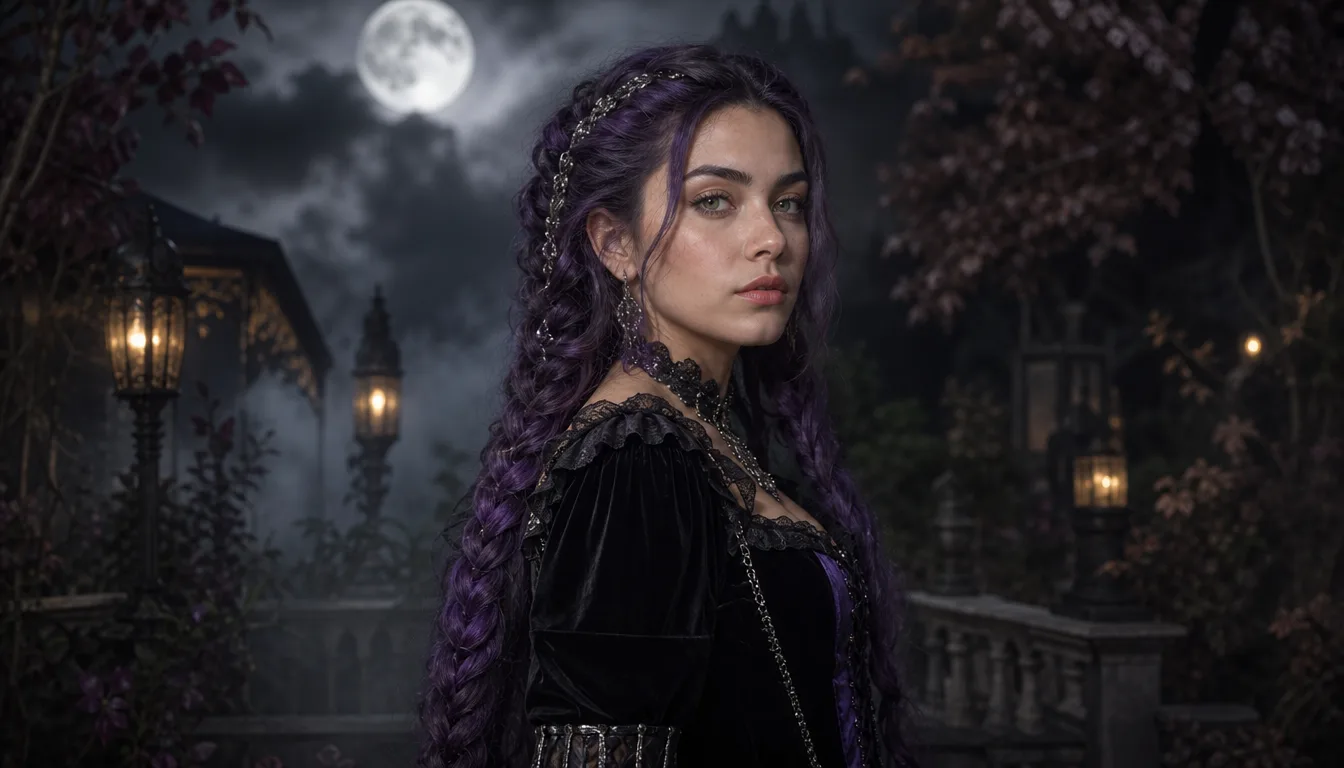
Midnight Braids recipe
Use the uploaded photo as the primary reference. Preserve the subject's recognizable face, facial proportions, skin tone, and pose. Transform the subject into an original gothic Halloween portrait with long violet braids, delicate silver hair accessories, a black-and-purple velvet outfit with lace and metallic details, standing in a moonlit Victorian garden with soft fog, glowing lanterns, and dark autumn foliage. Photorealistic editorial photography, realistic fabric texture, cinematic soft lighting. No extra limbs, no duplicated fingers, no text, no logos, no watermarks.
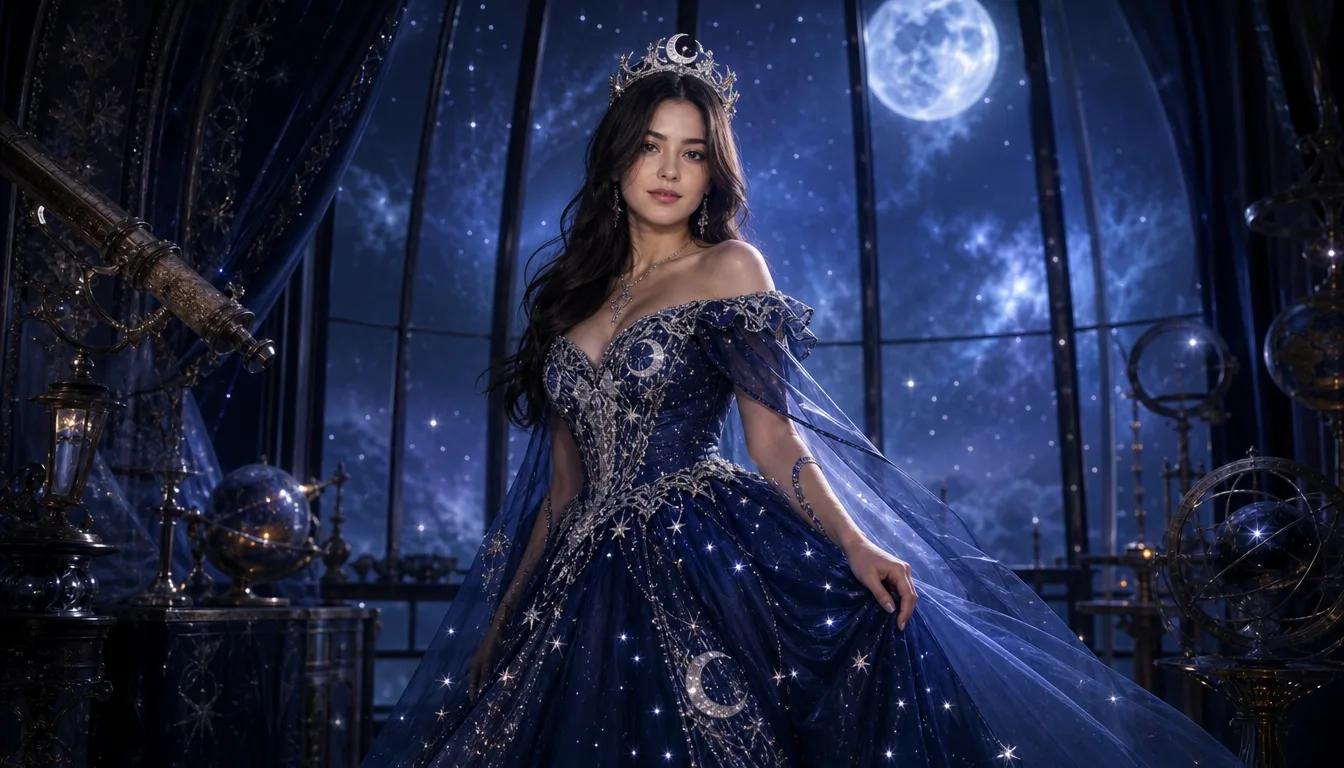
Cosmic Princess recipe
Edit the uploaded photo into an original celestial Halloween princess portrait. Preserve the subject's recognizable face, natural skin texture, body proportions, and pose. Replace the outfit with a midnight-blue fantasy gown featuring silver embroidery, softly glowing star patterns, and flowing fabric. Add a delicate silver moon crown. Place the subject inside a moonlit observatory with a starry sky through tall windows. Elegant fantasy fashion photography, deep blue, silver, and violet palette. No altered identity, no extra people, no distorted anatomy, no text, no watermarks.
Frequently asked questions
Can I generate a costume from one selfie?
Yes. A single clear, evenly lit selfie is enough for the image-to-image workflow. More angles can help with consistency but are not required.
Will the generator keep my face?
It is designed to preserve identity when the prompt explicitly says what to keep. Strong changes to hair, makeup, and lighting can still reduce likeness.
Can I use a celebrity or movie character?
Do not generate a real celebrity or a copyrighted character. Use original costume descriptions instead.
Which model should I use?
GPT Image 2 and Nano Banana are good starting points for costume edits. The model selector shows the credit cost before you generate.
How much does a generation cost?
The workspace shows the credit cost for the selected model and resolution before you confirm. Current credit packages are on the pricing page.
Related guides
Halloween editing guide
Halloween AI Photo Editor: Spooky Edits From One Photo
Use the Halloween AI photo editor on mogged.games to change costumes, add fog, relight a portrait, and keep the face recognizable. Copy a recipe and try it.
Read guideHalloween video guide
Halloween AI Video Generator: Animate Your Costume Photo
Animate a Halloween costume photo with AI image-to-video on mogged.games. Use short motion prompts for a head turn, drifting fog, and cinematic light.
Read guideBlack Friday guide
AI Video Generator Black Friday 2026: What to Check
Black Friday 2026 is November 27. Compare AI video generator deals, credit costs, and refund terms before you buy, then check mogged.games current pricing.
Read guideReady to try it?
Turn a selfie into an original Halloween costume with AI image editing on mogged.games. Try five costume recipes, copy the prompts, and generate.
Updated: